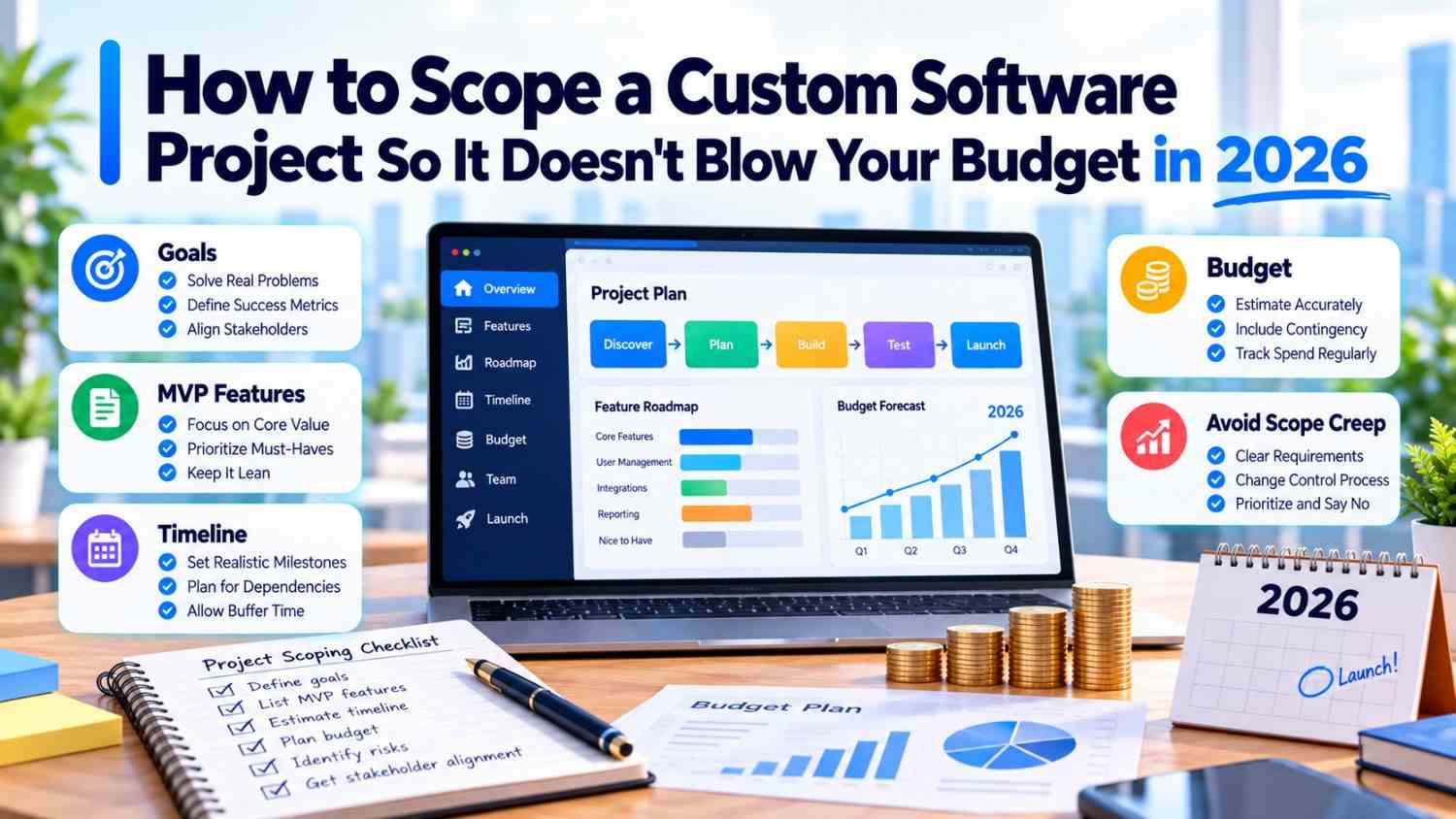
Quick Answer: The most secure approach to scoping a custom software project is to establish the business problem, users, workflows, features, integrations, technical requirements, and success criteria, then develop the system. There can be scope creep can be addressed by a clear scope, realistic MVP, defined exclusions, contingency budget, and change-control process, which makes software estimates more dependable.
Key Takeaways
- Begin with the business problem, rather than an extensive features list.
- Distinguish requirements into features versus future improvements.
- Document technical requirements, workflows, integrations, users, and permissions.
- Define what “done” means before approving the development budget.
- Have a clear change management process during the development process.
Authored by the TechDigital Labs Editorial Team - experts in custom software development, web development, app development, technical planning, and digital transformation.
Last Updated: September 2026
Introduction
The cost of custom software projects does not get high often due to a single feature. Budget problems usually appear when requirements are unclear, features keep changing, or important technical details are discovered after development has started.
A project may begin with a simple idea such as “we need a customer portal.” Later, it may need different user roles, payment processing, CRM integration, notifications, reports, mobile support, and automation. Each addition can increase development time and cost.
This is why the question of how to scope a custom software project is also a question of budget control. Having a good scope assists the client and an experienced software development and digital marketing agency to concur on what is going to be built, what is not going to be built, and what can be added in the future.
What Is Custom Software Project Scoping?
Project scoping is the custom software project process of defining the work, requirements, boundaries, users, technical requirements, schedule, and anticipated results prior to developing a program. It is the same groundwork that reputable custom software development services insist on before writing a single line of code.
A practical scope should explain:
- What business problem the software solves
- Who will use it
- Which features are required
- Which workflows must be supported
- What integrations are needed
- What data the system will handle
- What is included and excluded
- What defines a completed feature
- How success will be measured
An up-to-date requirements document provides the client and development team a common point of reference prior to work.
Start With the Business Problem
The first step in scoping custom software is defining the problem rather than listing every feature you want.
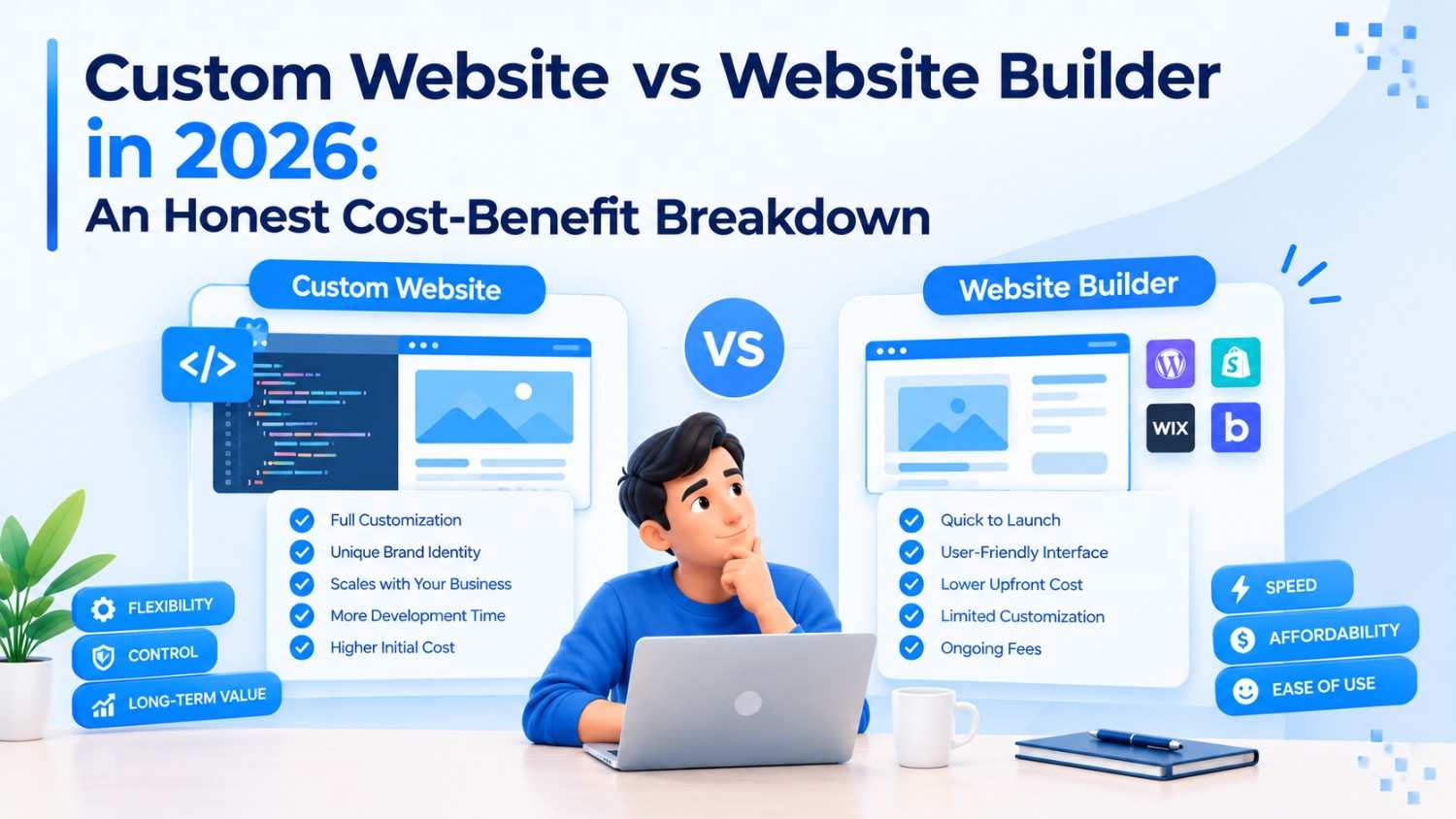
For example, “build a warehouse management system” is too broad for a reliable estimate, in much the same way that choosing between custom software and a website builder depends on how specific the underlying problem actually is. You need to know what is actually going wrong. Are employees tracking stock in spreadsheets? Are orders entered manually? Are managers unable to see stock levels in real time?
Ask:
- What problem exists today?
- Who experiences it?
- How is it handled now?
- What does the current process cost?
- What should improve after launch?
- How will success be measured?
Starting with the problem helps prevent unnecessary features from entering the first release.
Define Your MVP
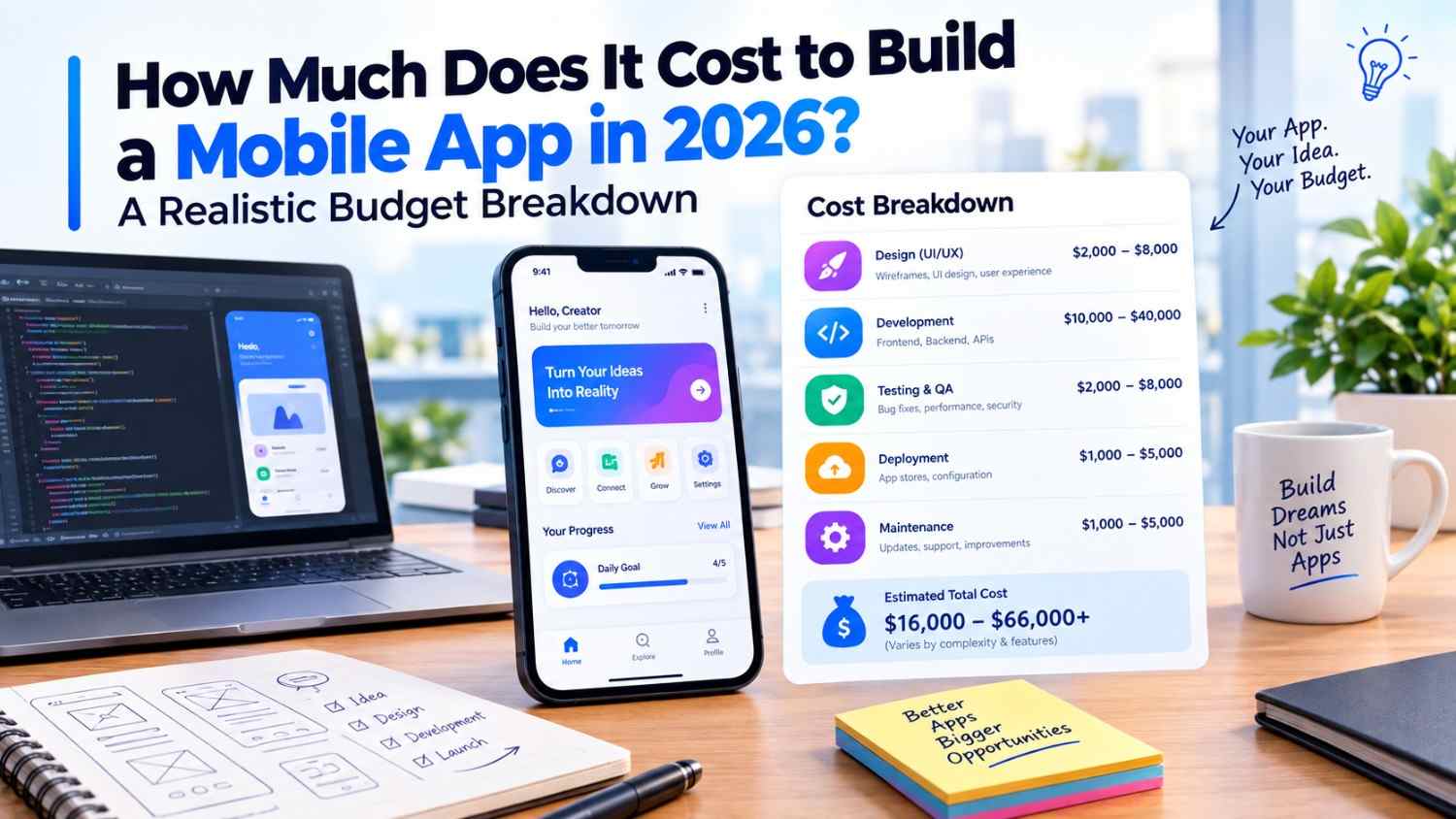
An MVP is the smallest useful version of a product that solves the core problem for real users, whether the end result is a web platform or dedicated mobile app development. One common cause of a software budget overrun is putting every future idea into version one. Instead, divide features into clear groups.
Must-Have
Features the software cannot launch without.
Should-Have
Important features that can potentially follow after launch.
Could-Have
Useful improvements that can wait.
Not This Time
Features deliberately excluded from the current project.
It is as important to write what is not in scope as it is to write what is. It provides a clear boundary to both sides in cases of new requests.
Map the Real User Workflows
A feature list tells what software should have, and a workflow tells how people will use it. Document who initiates each major workflow, what information is input, the next action, who approves the workflow, and what happens when something goes wrong.
Also identify:
- User roles and permissions
- Required notifications
- Data that must be stored
- Approval steps
- Error conditions
- Reports or outputs
This makes the estimate more realistic because developers can see the work behind each feature.
Identify Integrations Early
Integrations are a common source of unexpected development work when they are discovered late. Saying that software needs to “connect to the CRM” is not enough. The team should be aware of the CRM, what data will be moved, and how frequently it will be synchronized, which system is the system of truth, and what will happen in case of a connection failure.
The same applies to:
- Payment gateways
- Accounting software
- ERP systems
- Email platforms
- Shipping services
- Analytics tools
- Third-party APIs
- Identity providers
Include these requirements before requesting a final estimate.
Create a Software Requirements Document
A software requirements document guide turns a business idea into a shared development reference that a full-service custom software development agency can use to scope, estimate, and deliver the build. It can include:
- Project objective
- Target users
- User roles
- Core workflows
- Functional requirements
- Non-functional requirements
- Integrations
- Data requirements
- Security requirements
- Acceptance criteria
- Constraints
- Out-of-scope items
Architecture and cost may not be as obvious since performance, security, scalability, availability, and data needs may not seem so.
Define What “Done” Means
A feature will not be scoped well before everybody knows what successful completion entails. An example of that is that something like uploading documents can refer to a single file or multiple files, file formats, file size restrictions, user permissions, file previews, file history, and cloud storage.
Agree on acceptance criteria before development:
- Which file types are accepted?
- What is the maximum size?
- Who can upload files?
- Who can view them?
- What happens if an upload fails?
- How long are files stored?
Clear acceptance criteria reduce disagreements about whether a feature is actually complete.
Build the Budget Around the Scope
A realistic software budget should come from defined work rather than a number chosen before the scope is understood. Consider more than development:
- Discovery and planning
- UX/UI design
- Development
- Integrations
- Data migration
- Testing and QA
- Security
- Deployment
- Infrastructure
- Project management
- Maintenance
And a contingency for legitimate uncertainty. The right quantity varies based on the complexity of the project, integrations, maturity of requirements, and technical risk.
Control Scope Creep
Scope creep occurs due to the project expanding beyond the agreed requirements without adjusting time, budget and resources.
Use a simple change-control process:
- Document the requested change.
- Explain why it is needed.
- Estimate its impact.
- Decide whether it belongs in the current release.
- Adjust the budget or timeline if approved.
- Record the decision.
This allows useful changes without allowing the original scope to disappear.
Plan for Post-Launch Costs
The development budget should not be the entire software budget. After launch, software may require bug fixes, security updates, infrastructure, monitoring, performance improvements, integrations, and new features.
Before development starts, ask:
- What support is included?
- Who handles production bugs?
- What infrastructure costs continue?
- How are future features estimated?
- What happens when third-party APIs change?
Planning for maintenance early prevents post-launch costs from becoming surprises.
How TechDigital Labs Can Help
As a full-service digital product and marketing agency, TechDigital Labs considers custom software development in terms of the business needs, working processes, technical demands, and usability as part of a longer-term digital growth roadmap.
Its services may include requirements planning, UI/UX design, web development, application development, APIs, integrations, bespoke business applications, automation, testing, deployment, and maintenance.
With 400+ successful projects, 325+ clients worldwide, and 50+ digital professionals, TechDigital Labs can help businesses move from a broad software idea to a defined project scope that development teams can estimate and build.
Ready to turn your idea into a properly scoped, budget-safe project? Contact our team to get started.
Custom Software Scope Checklist
☐ Define the business problem
☐ Identify target users
☐ Document core workflows
☐ Separate must-have and future features
☐ Define out-of-scope items
☐ Identify integrations
☐ Document security requirements
☐ Define acceptance criteria
☐ Include testing and deployment
☐ Consider contingency
☐ Discuss post-launch support
☐ Agree on a change-control process
Final Thoughts
A well-scoped custom software project, guided by an experienced software development partner, protects both the budget and the client-development relationship. Start with the business problem. Map the workflows, define the MVP, identify integrations, document requirements, and establish what “done” means.
Then build the budget around the actual scope and create a clear process for handling changes. The goal is not to predict every detail perfectly. It is to identify important unknowns early and prevent avoidable scope changes from turning into unexpected costs.